
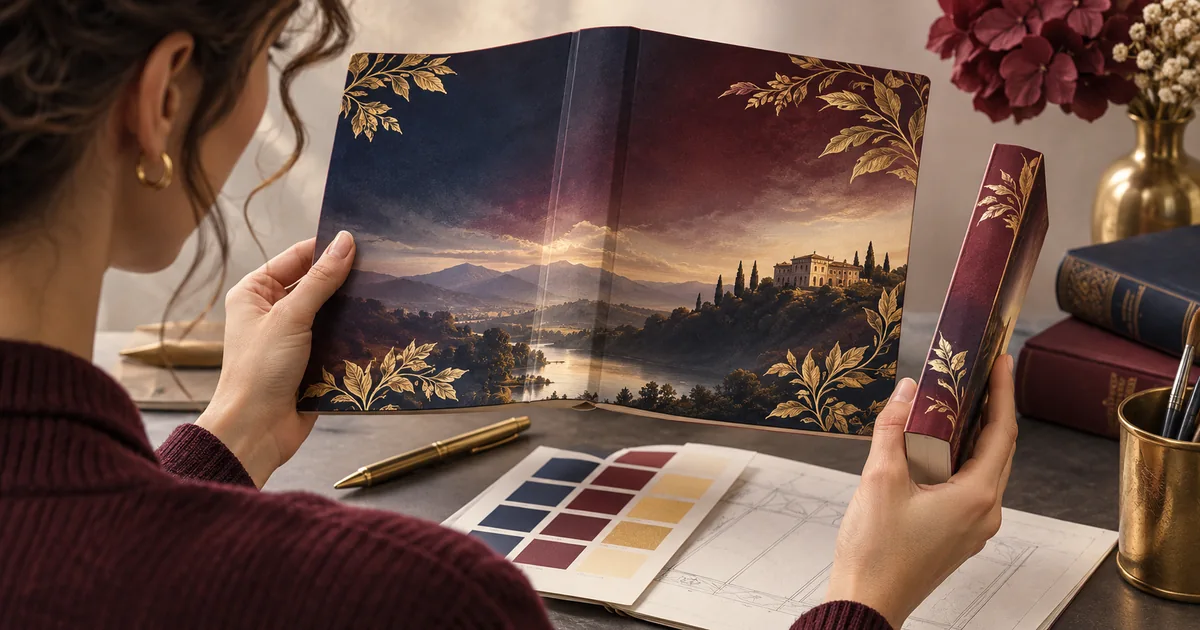
A print cover is a single production object with several jobs. The front introduces the book, the spine helps identify it on a shelf, and the back supports the buying decision. All of them must fit the correct printing template.
Review the final cover after the interior specifications are settled. An attractive concept is not yet a production approval.
Confirm the inputs first
Check the binding, trim size, paper, interior type, and final page count against the printer's template. KDP's cover calculator generates dimensions from those inputs. If the interior changes enough to alter page count, ask whether the cover must be regenerated.
Keep the template version or specification record with the approved file. This makes later updates easier to trace.
Do not stretch a paperback wrap to create a hardcover. Different bindings need their own correctly prepared files.
Read every word independently
Compare the title, subtitle, and author name with the metadata record and title page. Read the back-cover description aloud. Check names, punctuation, website addresses, and any price printed on the cover.
Approved endorsements should match their authorized wording and attribution. Do not shorten a quotation to fit without checking whether that change is permitted.
Ask someone who has not been staring at the design to read it. Familiarity makes missing words surprisingly easy to overlook.
Inspect hierarchy and contrast
View the front at thumbnail size, then at actual print size. Can you read the title? Is the author name clear? Does the design communicate the intended category?
Check text placed over photographs or textured backgrounds. A section that is readable on a bright screen may be difficult on paper. Avoid assuming that a color difference alone creates enough contrast.
Review the spine separately. Is the text centered within its intended area? Is it legible at the actual width? The printer's current specifications determine what is feasible.
Check the back and barcode area
Confirm the correct ISBN for this edition. Keep text and important artwork away from the barcode area specified by the printer. If the provider adds the barcode, verify where it will appear rather than designing essential copy underneath it.
For ISBN decisions, see our author ISBN guide.
Look at the back-cover balance as a reader would. A crowded block of text is difficult to scan. If the description is too long, revise it thoughtfully instead of shrinking it until it barely fits.
Approve a physical proof
Hypothetical example: A dark burgundy cover looks rich on screen but loses detail in print. The proof reveals the problem before a larger author-copy order. The response is to discuss the file and printing conditions, then inspect a revised proof if needed.
Check trimming, alignment, color, text clarity, and the relationship between cover and interior. A digital preview is valuable, but it does not replace holding the book.
Use the printed proof checklist for the full inspection. Our self-publishing overview places cover approval in the larger process. For design and production help, review Capitol Quill Press's services and start a project conversation.
Share this article